
Estimates booked while you are on another job.
The Lead Agent and your online booking page both write straight to the FloorWell calendar, checking real availability so nothing double books. Estimates and installs live side by side, per estimator.
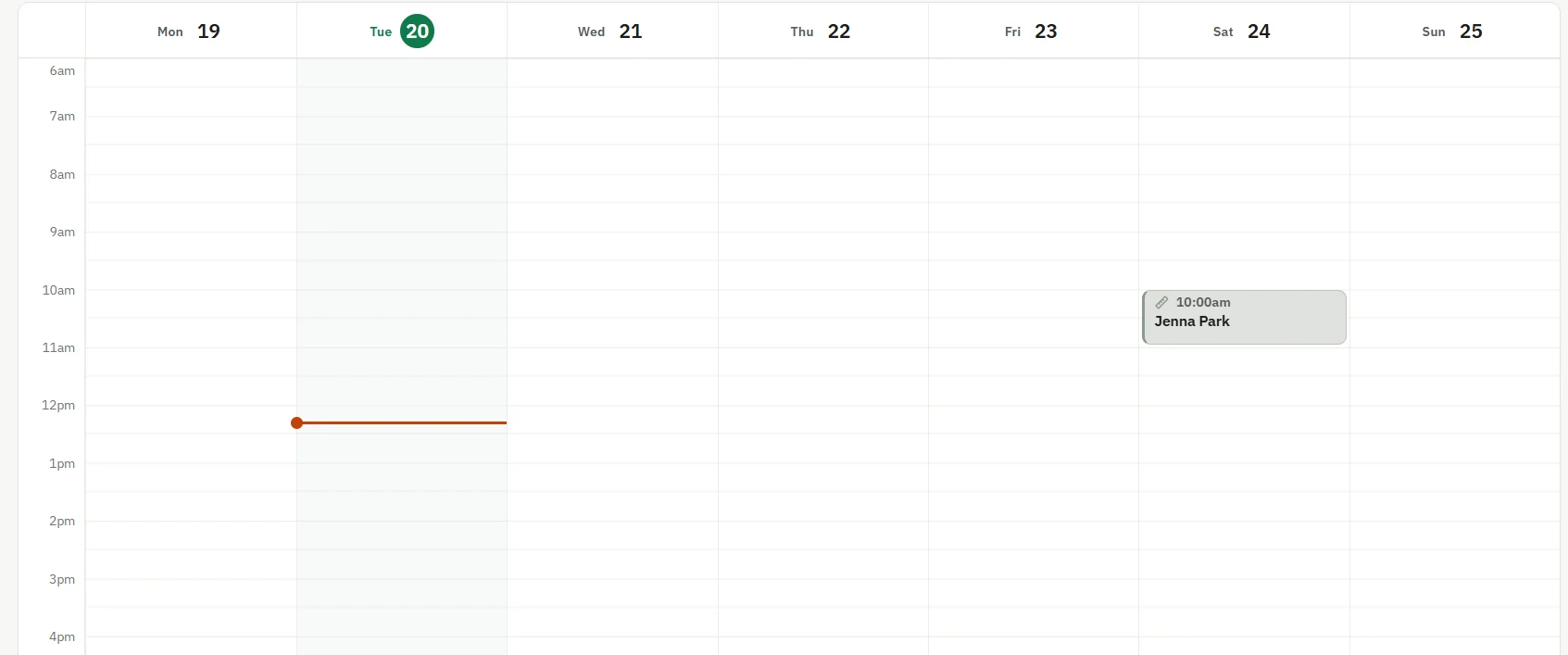
Calendar and booking in FloorWell
Everything below works in FloorWell today.
- Day, week, month and schedule views, plus a phone layout
- Booked by the AI agent, by your team or by customers online
- A booking page and website widget that use your team hours
- Each estimator gets a calendar, with a team view by person
- Google Calendar or Outlook: busy times block bookings, and FloorWell appointments appear there
- Customers get a calendar invite for their appointment
- Video calls book with a Google Meet link included
- Confirmation, reminder, on-our-way and missed estimate texts go out on their own
- 01
Set hours
Your estimate windows and who runs them.
- 02
Connect calendars
Google or Outlook, so personal events block time.
- 03
Let it book
The agent and your booking page fill the slots.
- 04
Show up
Reminders handled. Address and property details on the card.
Calendar and booking questions
Will it double book my estimator?
No. Booking checks live availability, including busy times on connected Google or Outlook calendars, before it confirms.
Is the calendar sync two-way?
FloorWell sends its appointments to Google or Outlook and keeps them updated when they move. Busy times on those calendars block FloorWell bookings. Events you create in Google or Outlook stay there.
Can customers book online?
Yes. FloorWell includes a booking page and a widget you can put on your website.
See it on your own leads.
Book a 45-minute call and we will walk through FloorWell with your trade, your pricing and your calendar in mind.